
Journal Databases

Journals vs. Articles
Students can often confuse the title of an article with the title of the journal in which it appears. A journal is a publication; an article is an individual work published within it. A journal contains many articles written by different authors, usually published in separate issues over time.
For example, American Political Science Review is a journal; a research study published in one of its issues is an article.
Finding Quality Journals
What is journal impact?
Journal Citation Reports
Journal Citation Reports (JCR) is a subscription resource that evaluates journals that meet strict selection standards, such as peer review, editorial quality, and citation integrity. Because of this careful selection, JCR is often used by universities and libraries to judge the quality and influence of a journal. Its best-known metric, the impact factor (IF), is calculated using a standardized method, with current coverage from 1997 to 2024.Google Scholar Metrics
Google Scholar Metrics is a free tool for measuring journal impact. It is a five-year index of citations of journal articles, preprints, conference papers, and institutional repositories. However, it may also include sources that are not peer-reviewed or considered scholarly. Google Scholar provides an h-index, which tells you how often a journal is cited. It currently only covers articles published between 2020 and 2024.
General Databases
- Both are multidisciplinary research platforms that cover a broad range of academic disciplines.
- Both provide a single search interface for accessing dozens of subject-specific databases.
- Both offer access to diverse content, including e-books, scholarly and peer-reviewed journals, trade publications, magazines, newspapers, and images.
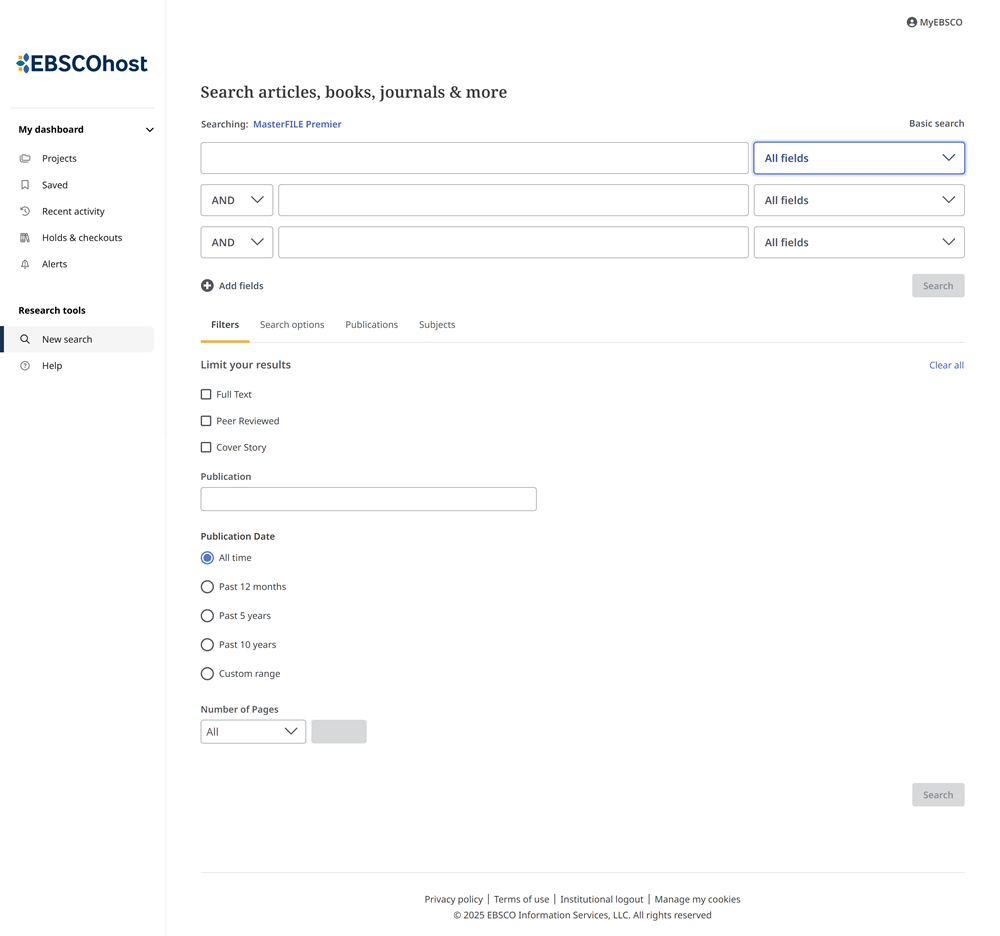
EBSCO is a major research database platform that allows users to search multiple EBSCO databases simultaneously. The difference between EBSCOhost and Academic Search is that Academic Search can be searched as part of the EBSCOhost platform or searched separately if your institution has a subscription. To check if your institution subscribes to EBSCOhost, use EBSCO’s Find your institution page.
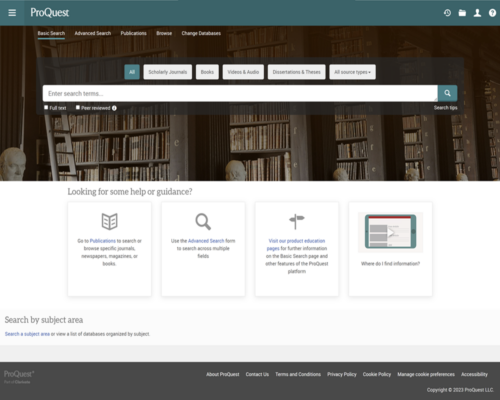
ProQuest is a major database vendor and platform that provides access to hundreds of database collections. The ProQuest platform provides a multidisciplinary search with access to scholarly ebooks, journals, video and audio, newspapers, and more, all searchable simultaneously. ProQuest is unique in providing dissertations and theses, historical newspapers, and other primary sources.
Scholarly Databases
Scholarly research databases provide peer-reviewed academic journal articles, book reviews, and other scholarly resources authored by scholars, researchers, or academics who are experts in their fields.
Unlike magazines, which focus on current events and general-interest stories, articles in scholarly journals undergo rigorous peer review before publication. The following is a list of the most important multidisciplinary scholarly research databases.
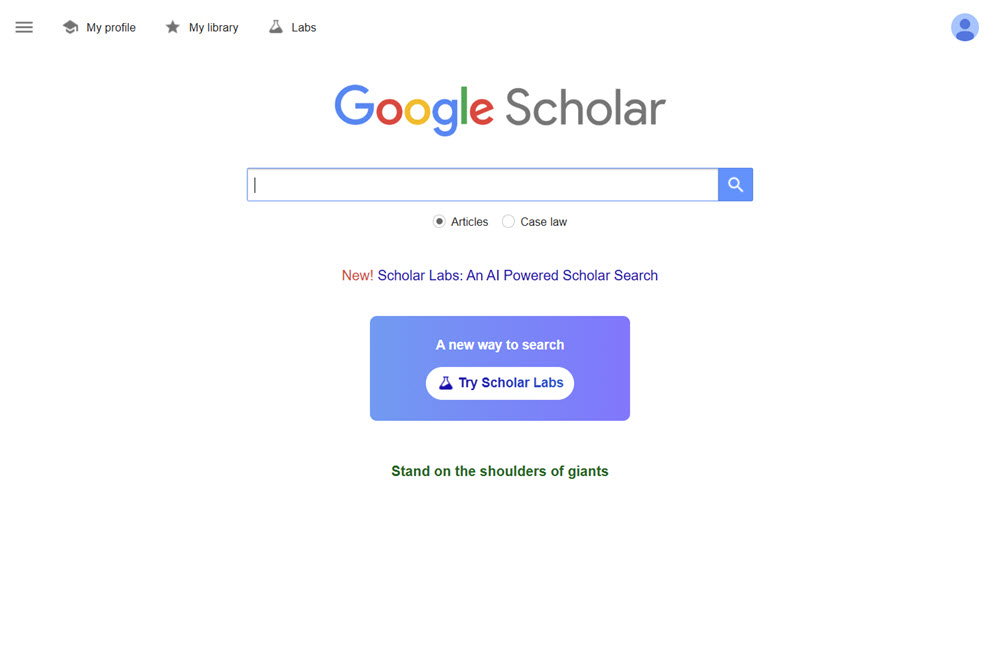
Google Scholar is a free academic search engine that helps researchers and students find scholarly literature across disciplines. It indexes journal articles, books, conference papers, theses, patents, and other resources from academic publishers, universities, and professional organizations.
- Unlike subscription databases, which publish lists of journals in their collections, Google Scholar does not provide a list of the journals, books, repositories, or conference proceedings it indexes.
- General databases such as EBSCO and ProQuest allow you to limit your results to peer-reviewed articles only. Google Scholar does not filter results for peer-reviewed articles.
- When off your school’s network, you must enable your institution’s Google Scholar library links (review process) to see full-text articles available in your institution. If Library Links are not enabled, you’ll only see paywalls, publisher links, and what’s available open-access in the public domain.
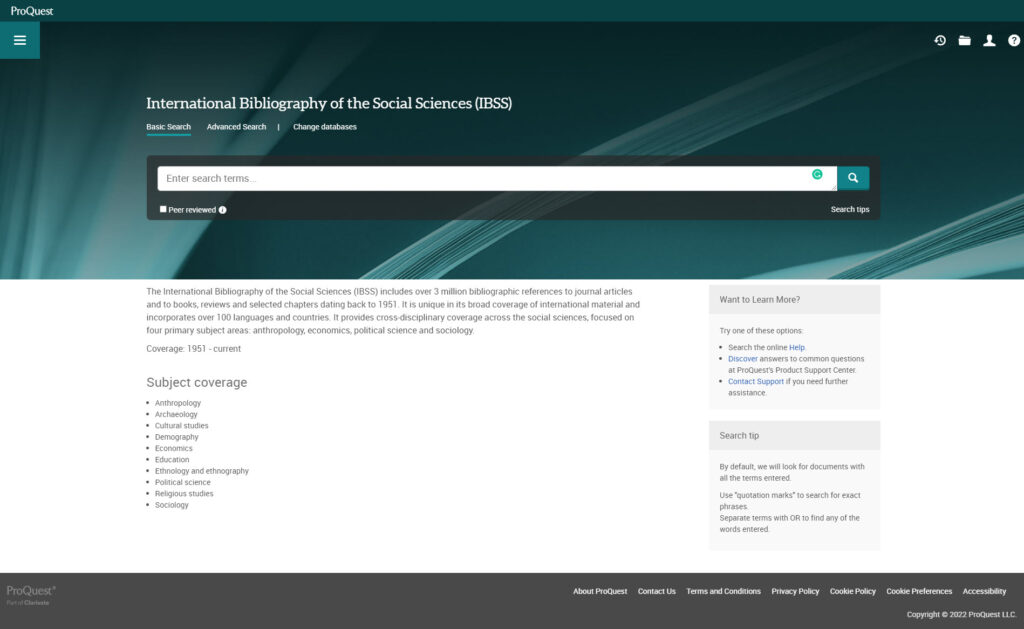
The International Bibliography of the Social Sciences (IBSS), compiled by the British Library of Political and Economic Science at the London School of Economics, provides access to a vast collection of scholarly literature in the social sciences. Covering multiple disciplines, IBSS includes references to journal articles, books, newspapers, and dissertations, with records dating back to 1951.
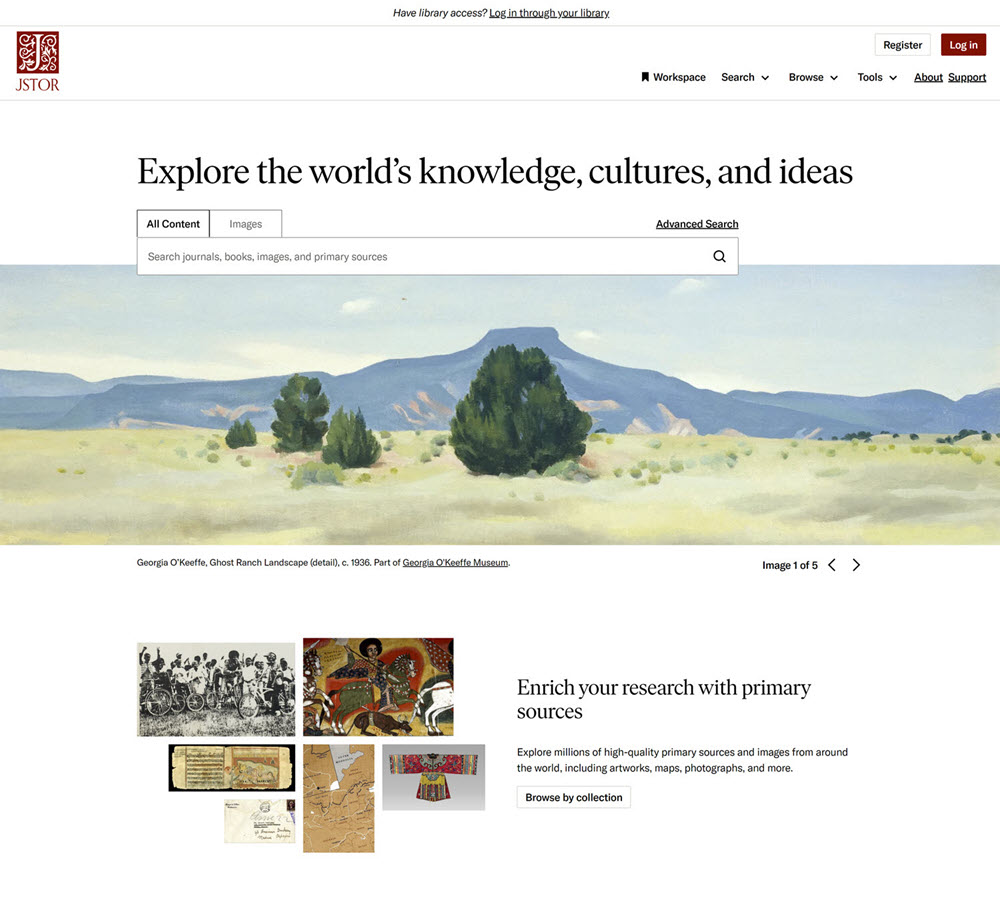
JSTOR is an important scholarly research database for the humanities, social sciences, and sciences. It provides the full text of articles from thousands of influential academic journals. In addition to journal articles, users can access eBooks, book chapters, images, and primary source documents. JSTOR also provides an AI research tool that provides key points and arguments of articles.
JSTOR contains the full text of more than 2,000 journals from 1,000 publishers, with publication dates ranging from 1665 to 2015 (for certain titles). JSTOR also provides:
- Free access to Early Journal Content published before the last 95 years in the United States or before the last 143 years if initially published internationally.
- A collection of nearly 150 open-access journals covering the humanities, social sciences, and sciences.
- JSTOR allows anyone to register for a free personal JSTOR account and provides access to 100 free monthly articles.
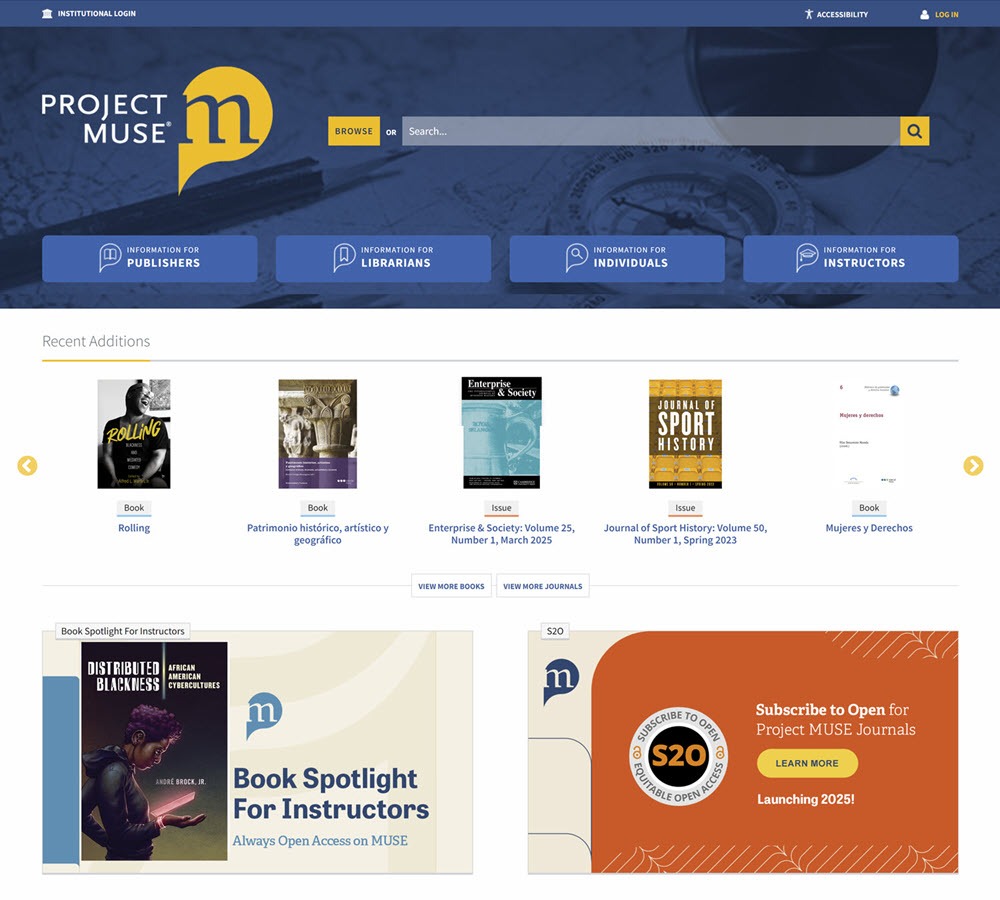
Project MUSE offers online access to a vast collection of scholarly journals, books, and academic resources in the humanities, social sciences, and arts. As a leading provider of digital humanities content, it features high-quality, peer-reviewed publications from prestigious university presses, scholarly societies, and academic publishers.
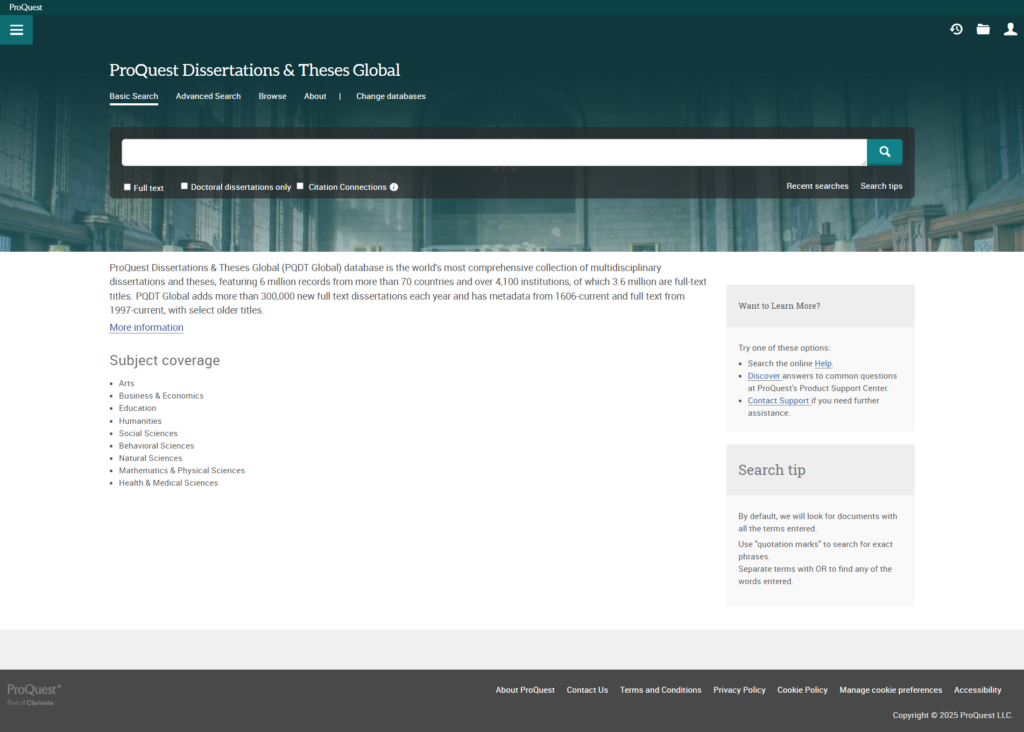
ProQuest Dissertations & Theses is a database of dissertations and theses from universities worldwide. It provides access to millions of full-text works across many disciplines, including the social sciences, humanities, sciences, and business. Each dissertation includes an abstract or summary that provides a concise overview of the research, its methodology, and key findings.
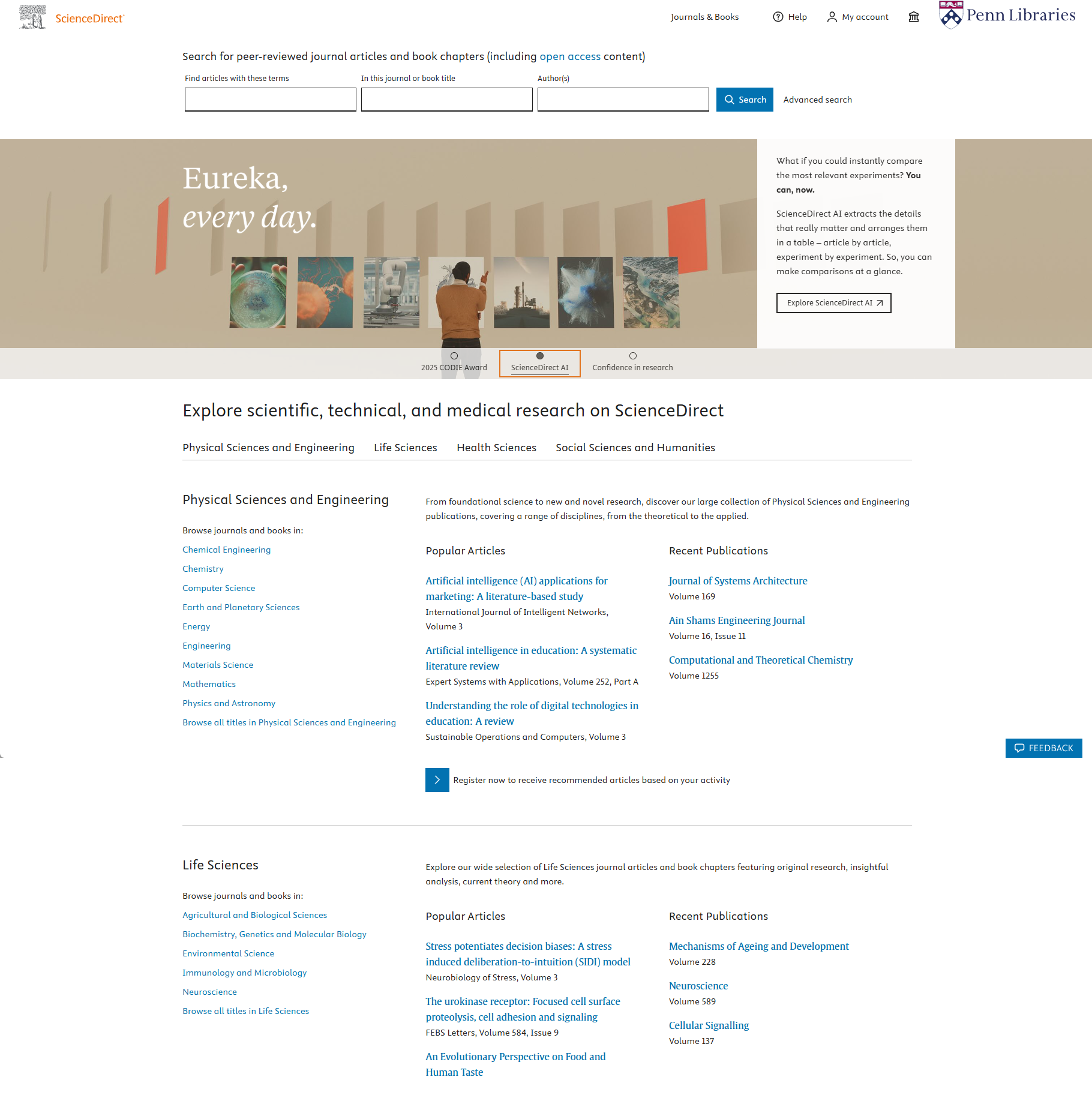
ScienceDirect is a leading full-text scholarly scientific database that provides journal articles and book chapters from more than 2,500 peer-reviewed journals and more than 11,000 books. It covers over 24 major subjects in the physical sciences and engineering, life sciences, health sciences, social sciences, and the humanities.
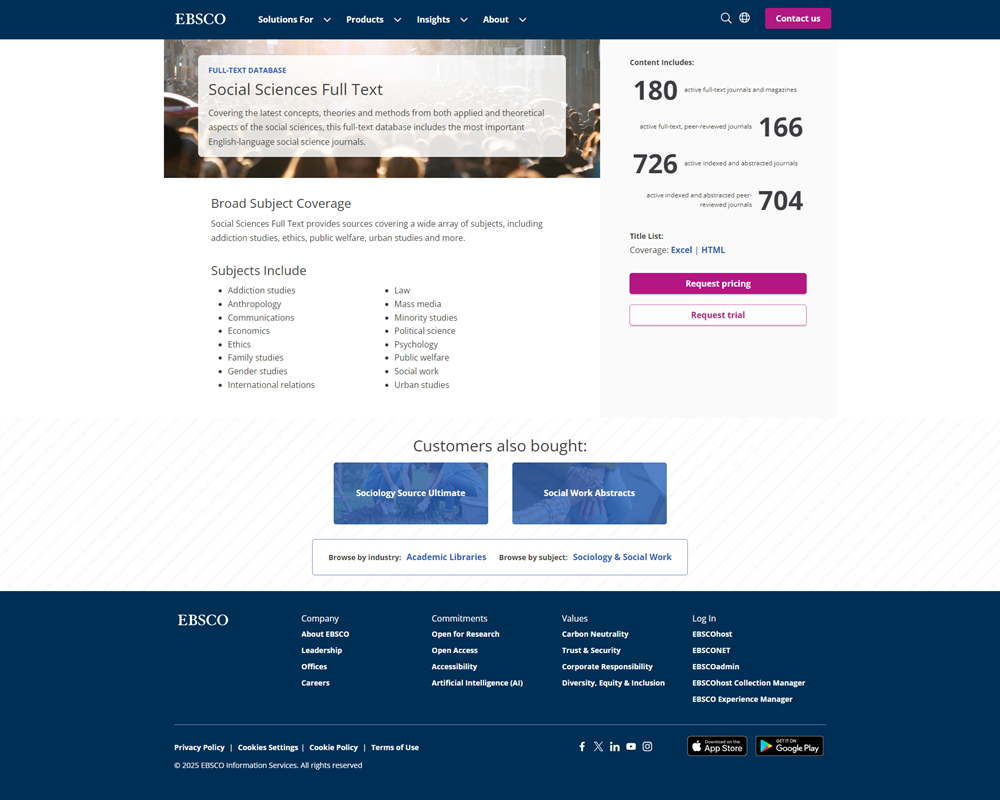
Social Sciences Full Text provides access to a wide range of scholarly literature in the social sciences. It covers many disciplines, including sociology, psychology, international relations, political science, anthropology, economics, and education.
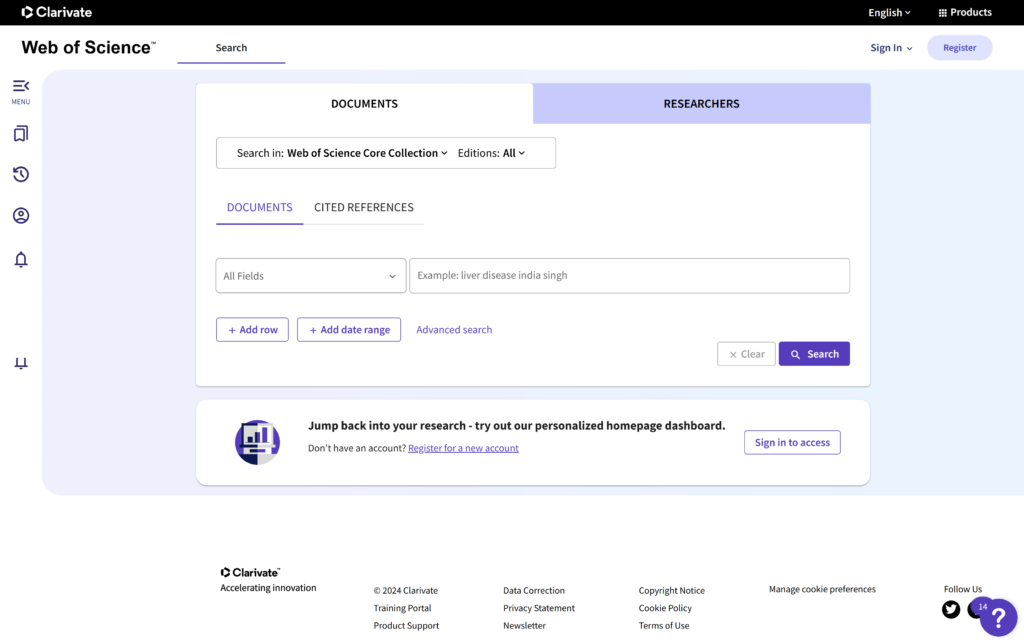
Web of Science is a comprehensive, multidisciplinary research and citation index that provides access to a wide range of scientific, technical, social science, and humanities research. It maintains rigorous criteria for the journals and publications it indexes, ensuring that only high-quality, peer-reviewed content is included. Web of Science includes 98 million papers dating back to 1900.
Subject Databases
Subject-specific databases are specialized databases that provide access to scholarly articles, journals, books, and other academic content related to a particular field or discipline. These databases meet the needs of researchers who require in-depth information in a specific area of study. Each general subject guide has a subject-specific section for databases.
Google Library Links
Google Scholar is an important academic research database that helps you locate articles. However, while some articles found with Google Scholar are freely available, most require a subscription or payment. Google Scholar Library Links are customized to provide links to electronic journal holdings and other resources available in participating academic libraries.
You can check to see if your library participates in the Google Scholar Library Links program by doing the following:
- Go to Google Scholar and click the menu bar at the top left of the screen.
- Choose Settings > Library Links from the left navigation.
- In the search box, type the name of your school.
When using your library’s resources on campus, Google Scholar links are usually set up to link to your subscription resources. However, if you are off campus, you may need to set up Library Links manually. Choose your library from the list given and click Save. The following quick video shows the process.
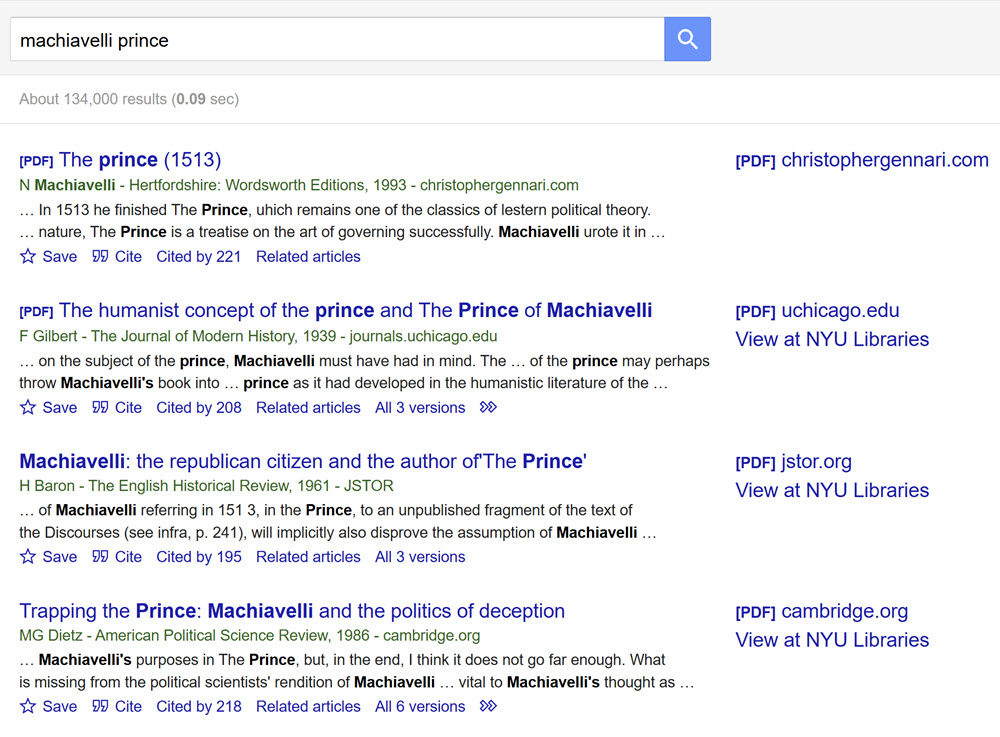
After you set up Google Scholar, you’ll see Find full-text@ links to the right of the results as seen below. Some links are hidden at the bottom of the results and require you to click the blue double arrows underneath the citation to the right.